WordPress Website Designers: Hire the Right Fit for Your Brand
Hiring the right designer can be the difference between a site that simply looks good—and a site that actually brings in leads, sales, and trust.
This guide breaks down how to evaluate WordPress website designers using practical criteria: skills that impact results, what to look for in a portfolio, realistic pricing, where to find talent, and the questions that reveal whether someone’s the right fit.
If you’re looking for an expert team that can design, build, and launch a WordPress site aligned with your business goals, explore our WordPress website design & development service.
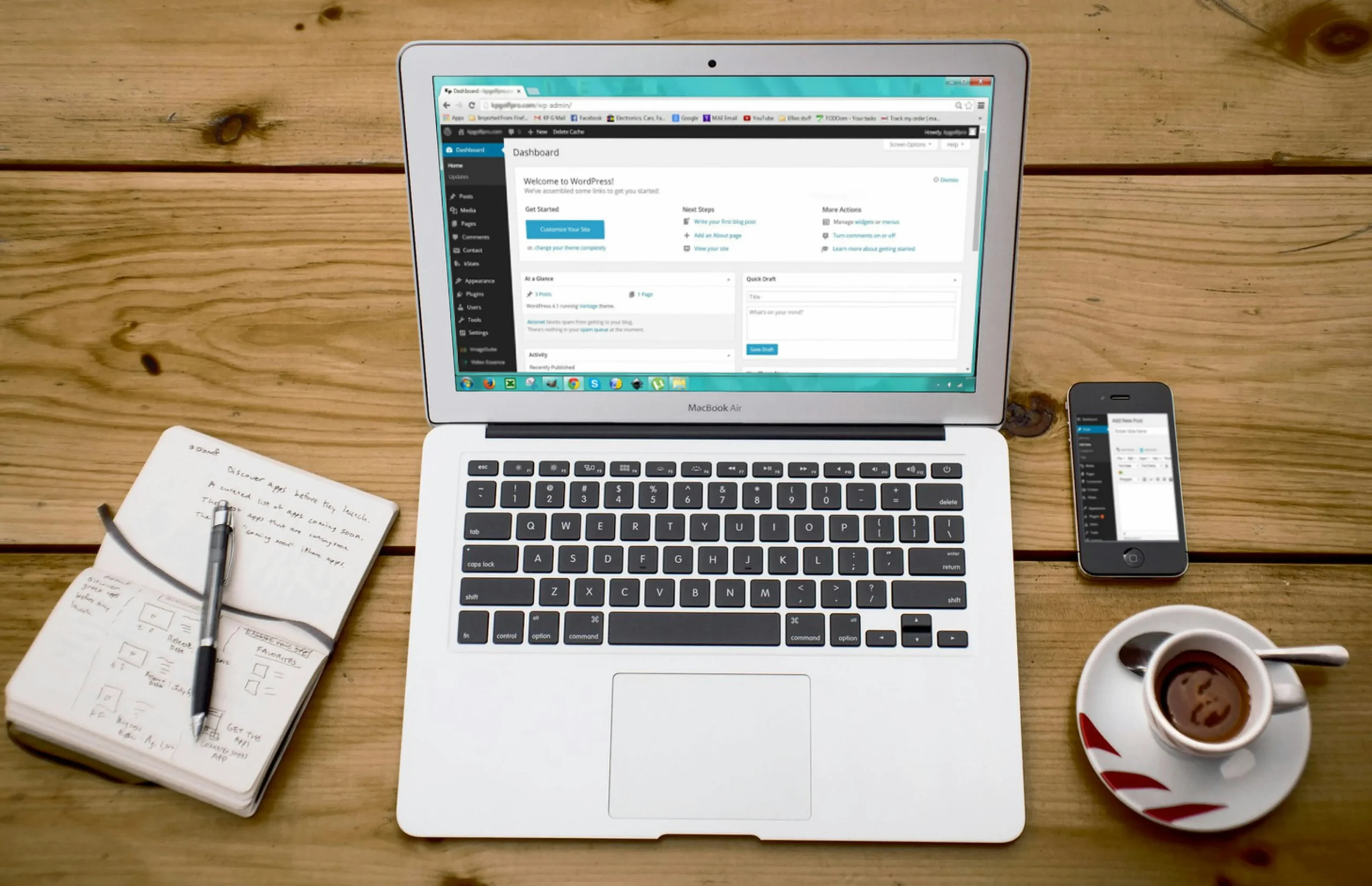
What WordPress Website Designers Do (and What They Don’t)
A strong WordPress website designer typically handles more than “making it pretty.” Depending on their specialty, they may:
- Design page layouts (structure, spacing, hierarchy, CTAs)
- Create or apply a brand-consistent visual system (fonts, colors, components)
- Build pages using WordPress blocks or a builder (like Elementor)
- Improve usability (navigation, readability, accessibility basics)
- Coordinate with copy, SEO, or development for a cleaner launch
What they usually don’t do (unless explicitly included):
- Write full website copy (some do, many don’t)
- Provide advanced SEO strategy/content planning
- Manage hosting/server optimization
- Run ongoing marketing campaigns after launch
If you need the full picture—design + SEO + conversion support—pair your build with SEO and content so the site is designed to rank and convert, not just to exist online.
External references to keep your expectations realistic:
- Learn how Google evaluates site quality and search basics through Google Search Central and Google Developers.
Skills That Matter Most: UX, Mobile Design, Speed, SEO
When comparing WordPress website designers, focus on skills that affect performance—not just visuals.
UX (User Experience)
- Clear navigation and page flow
- Strong hierarchy (what to read first, second, third)
- CTAs that are visible and consistent
Mobile design
- Layouts that adapt cleanly to different screen sizes
- Tap-friendly buttons and readable typography
- No “tiny text” or broken spacing on phones
Speed awareness
- Smart image sizing and compression
- Lean layouts (no unnecessary animations or heavy widgets)
- Plugin discipline (fewer, better plugins)
SEO-minded structure
- Clean heading structure and internal linking
- Pages designed around clear search intent
- Metadata readiness (titles, descriptions, indexable pages)
If you want to track performance after launch (traffic, leads, conversions), connect your website build to measurement via Performance & Growth.
External resources that cover SEO and performance fundamentals:
Portfolio Checklist: Design Quality, Results, and Proof
A portfolio should answer two questions: Can they build what I want? and Have they delivered outcomes?
Use this checklist:
Design quality
- Does the site look modern, consistent, and easy to scan?
- Is spacing clean and typography readable?
- Are CTAs clear (buttons, forms, booking prompts)?
Functional proof
- Are examples live links (not just screenshots)?
- Do pages load quickly and feel smooth?
- Is mobile experience solid?
Results and credibility
- Are there measurable outcomes shown? If so, look for proof (analytics snapshots, case study context, verified testimonials).
- If results are claimed without evidence, treat it carefully.
Tip: If the portfolio is beautiful but every site feels “template identical,” ask how they customize for your brand and goals.
For credibility-driven guidance on content and SEO alignment, browse practical strategy frameworks from HubSpot and industry commentary from Search Engine Journal.
Pricing Expectations: Freelancer vs Agency vs Retainer
Pricing varies widely because “WordPress design” can mean anything from a simple template setup to a full custom build with strategy, SEO, and conversion planning.
Here’s how to think about it:
Freelancer
- Often best for small brochure sites or tight budgets
- Quality varies a lot (depends on process and experience)
- You may need to coordinate other parts (copy, SEO, integrations)
Agency
- Better if you want strategy + design + build + QA + launch support
- Typically offers a documented process and team coverage
- Often stronger on scalability (future pages, SEO, tracking, growth)
Retainer (ongoing support)
- Ideal if you need continuous updates, landing pages, SEO/content, and performance improvements
- Helps prevent a “launch and forget” site
If you want a site that’s designed to support growth after launch (not just a one-time build), consider ongoing measurement and optimization through Performance & Growth.
External references for marketing ROI thinking:
Where to Find Great WordPress Website Designers
Where you look should match what you’re buying:
- Agency websites and service pages (best for full builds with strategy)
- WordPress-focused communities (good for specialists)
- Referrals (often higher trust, still vet portfolios and process)
- Professional networks (especially if you want someone experienced in your niche)
When you’re evaluating providers, a well-documented process is a strong green flag. If you want a team approach with clear milestones, see how we handle builds through Website Design & WordPress Development.
For email capture and post-launch nurturing (often overlooked), platforms like Mailchimp are common starting points—and if you need automations, check our Email Marketing & Automation service.